On our website, we have the necessary forms to streamline the process and our services; you don’t need to create an account or anything like that.
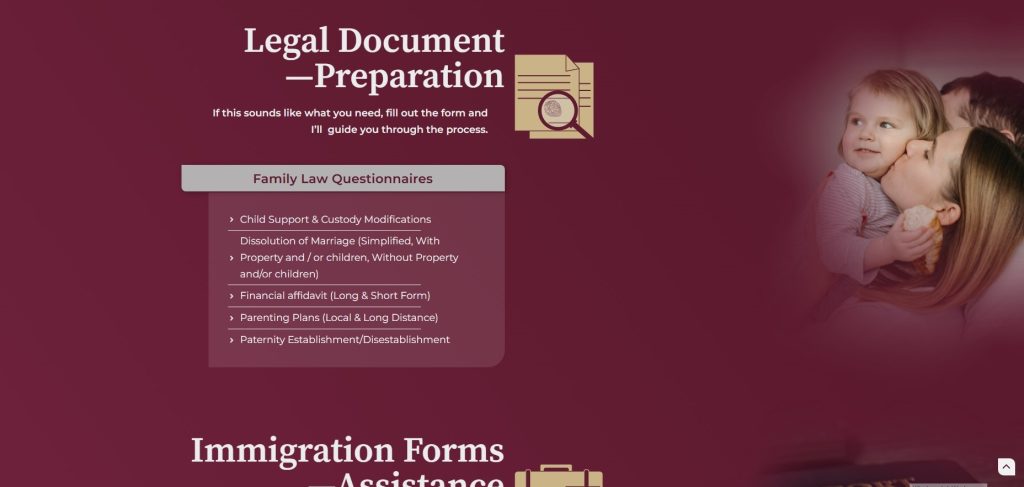
Once you know which forms are necessary for your case, go to https://claramercado.us/services/ and find the one you need and click on its respective link.
If you can’t find it, go to https://claramercado.us/forms/ where there is a list of all available forms or you can call us at (888)MERCAD0.
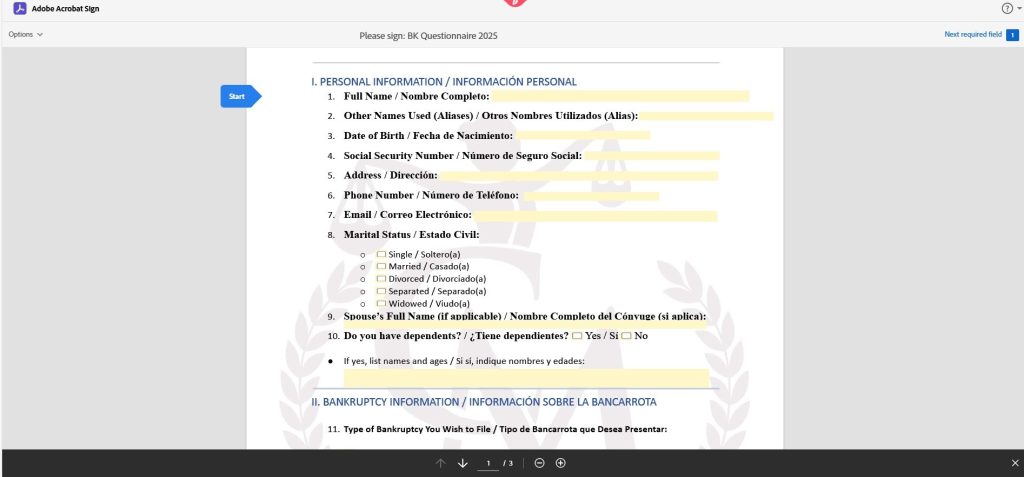
Once you enter the link you will arrive at a screen like this:
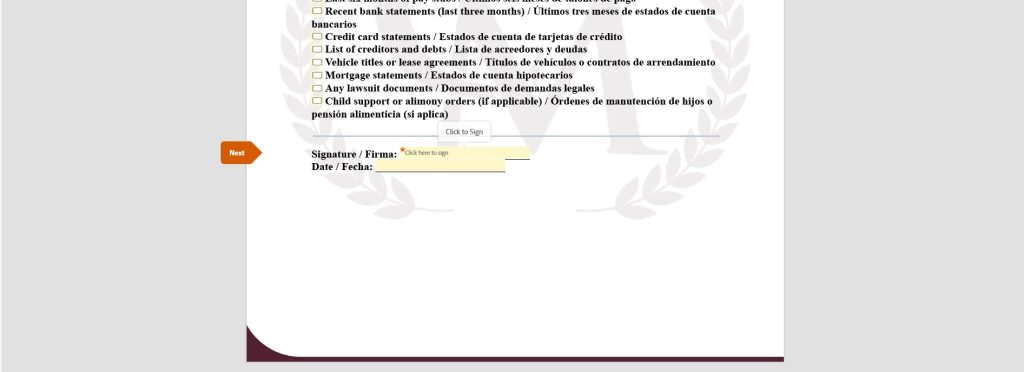
Fill out all the fields in the form and sign it at the end.
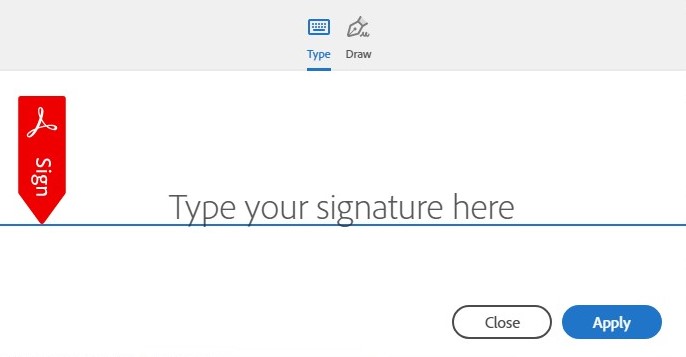
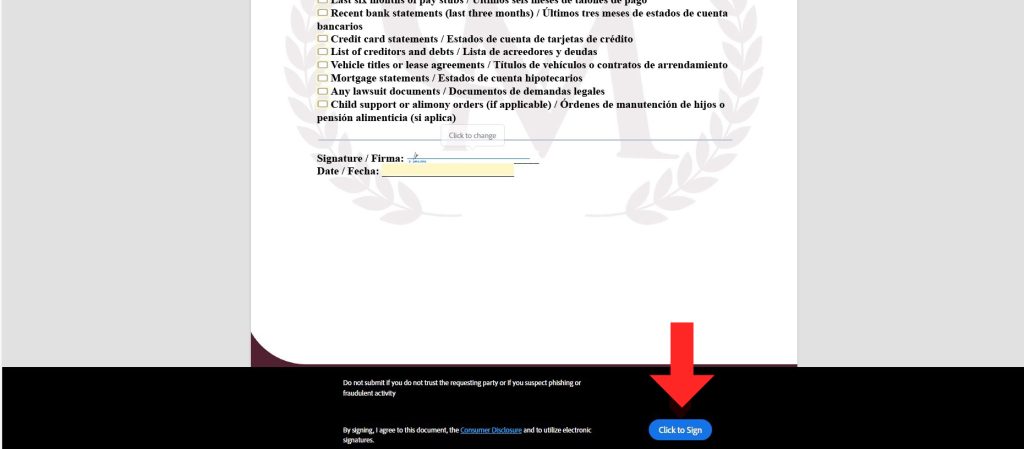
When you click on the signature field, a box like this will appear. Enter your name and click Apply.
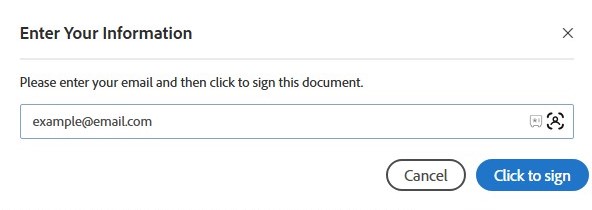
Once the form is signed, the Click to sign button will be enabled. Press it and the following text box will open:
Enter your email address and Click to sign.
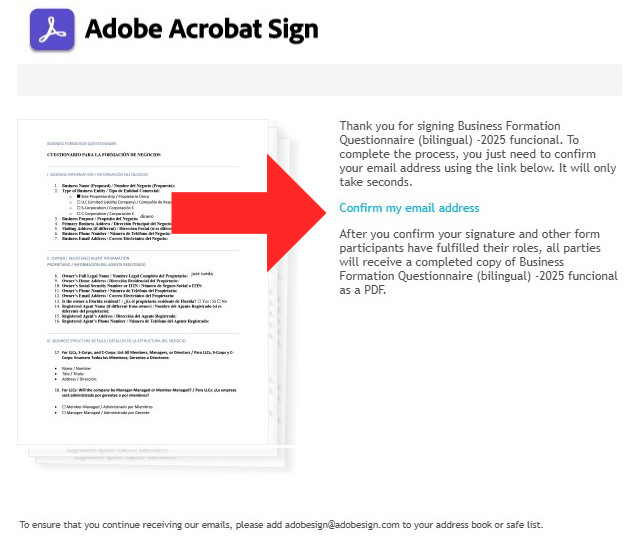
Check your email (including your spam folder) where you will receive a message to confirm that it is really your email. Click on the Confirm Email Address link.
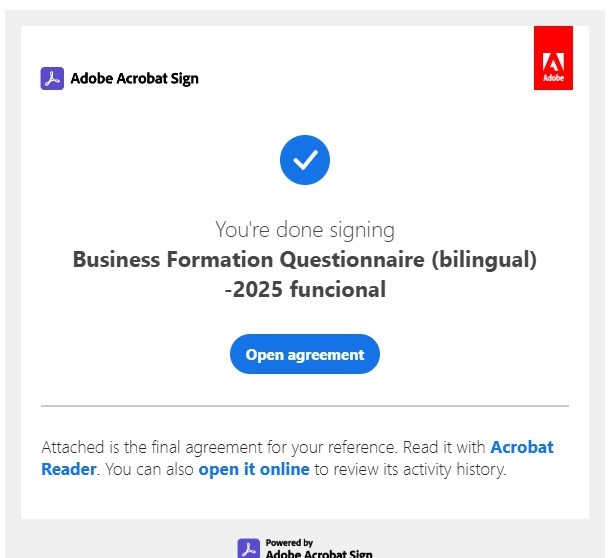
Once you do this, you’ll receive a confirmation email along with a copy of the completed form. This means it’s also been sent to ours, and we now have the necessary information you sent us.
And that’s it. Any questions, please don’t hesitate to contact us.

 English
  Spanish